![Sprockets-Logo-Icon.png]](https://hiring.sprockets.ai/hs-fs/hubfs/Sprockets-Logo-Icon.png?height=40&name=Sprockets-Logo-Icon.png)
Review the Steps Required to Link the Talentreef Platform to Sprockets.
What this article covers
- How Sprockets works with TalentReef.
- Where to add or send the Sprockets survey link.
- How to confirm applicants can move through your hiring workflow.
Steps
Integrations · ATS & Job BoardsHow to Integrate TalentReef With Sprockets
Review the Steps Required to Link the Talentreef Platform to Sprockets.
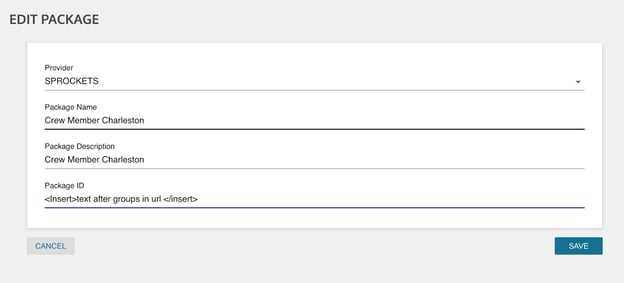
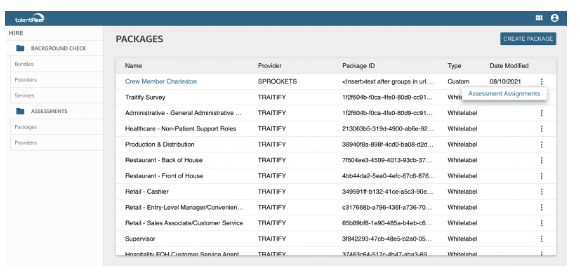
Guide for Exporting Applicants from TalentReef for Sprockets Pools:
- Navigate to the dropdown menu.
- Click on "Reporting and Analytics."
- Select "Analytics."
- Choose the "Applicant Report" located at the top.
- Customize your report by selecting the desired applied date.
- Click on the three vertical dots positioned at the top-right corner of the report.
- Finally, opt to "Export to CSV" for seamless data transfer.
Need help?
If you are unsure which link, source ID, or setup option to use, contact your Sprockets support team before updating live applicant workflows.