![Sprockets-Logo-Icon.png]](https://hiring.sprockets.ai/hs-fs/hubfs/Sprockets-Logo-Icon.png?height=40&name=Sprockets-Logo-Icon.png)
Before you start
Before you start
Make sure you are logged in to Sprockets and have the correct access for the location, job, or candidate you need to manage.
Steps
1
Open the top
Open the top-right name dropdown.
2
Click Personal Settings
Click Personal Settings.
3
Open User Details
Open User Details.
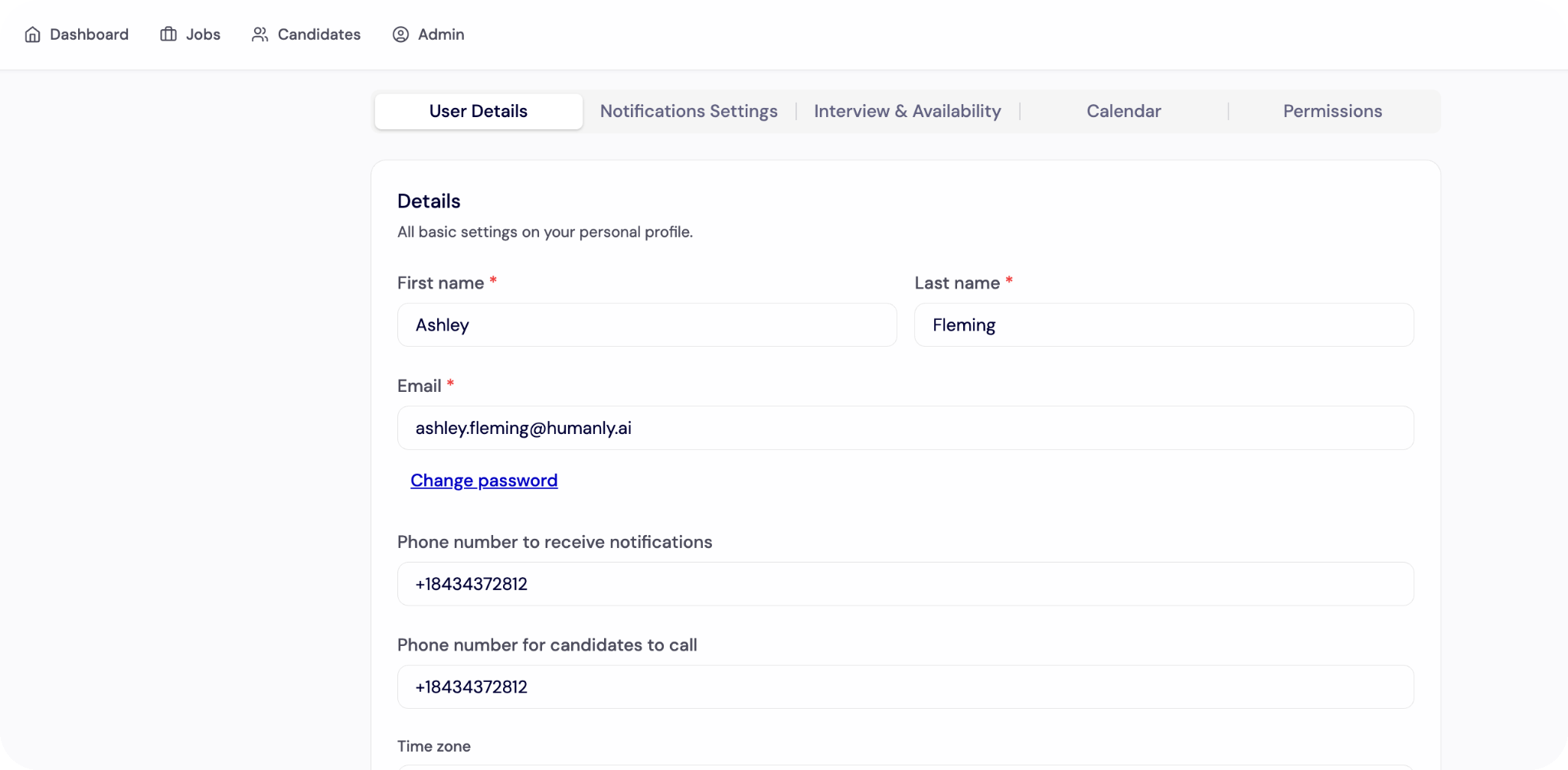
4
Review your account information
Review your account information.
5
Save any changes
Save any changes.
Final check
What to check before you move on
- ✓The update is saved successfully.
- ✓The correct users, locations, jobs, or candidates are selected.
- ✓Any related automation, notification, or scheduling settings are turned on where needed.