![Sprockets-Logo-Icon.png]](https://hiring.sprockets.ai/hs-fs/hubfs/Sprockets-Logo-Icon.png?height=40&name=Sprockets-Logo-Icon.png)
i
Use this guide to understand how this integration supports your Sprockets workflow and what to confirm during setup.
Overview
What to know
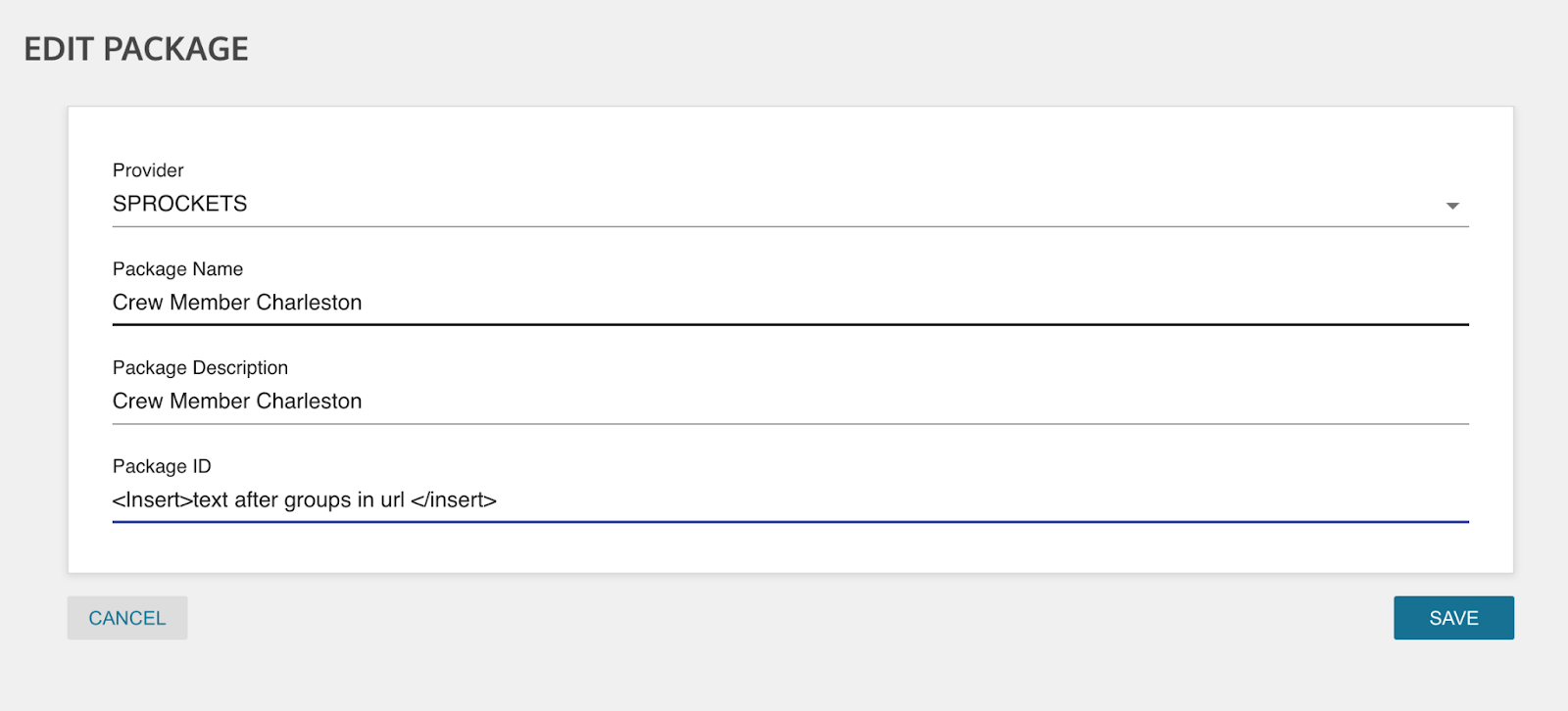
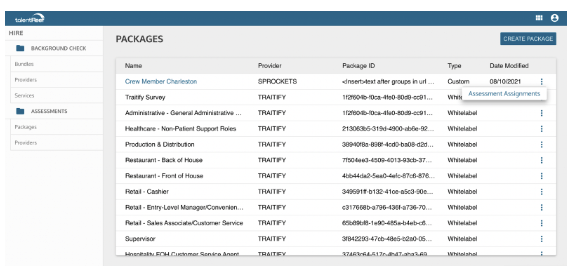
Review the Steps Required to Link the Talentreef Platform to Sprockets.
Guide
Guide for Exporting Candidates from TalentReef for Sprockets Pools:
- ✓Navigate to the dropdown menu.
- ✓Click on "Reporting and Analytics."
- ✓Select "Analytics."
- ✓Choose the "Candidate Report" located at the top.
- ✓Customize your report by selecting the desired applied date.
- ✓Click on the three vertical dots positioned at the top-right corner of the report.
- ✓Finally, opt to "Export to CSV" for seamless data transfer.
Guide
Related Articles
- ✓Integrations Overview
- ✓How Sprockets Connects With Your Existing Systems
- ✓Indeed Integration